
Team, roles & permissions
Your staff in the same book — each with exactly the access you choose
Invite people by email, pick a role, then switch every screen and action on or off. The cashier bills, the accountant keeps the books, and you see everything — on every device.
In one line
What is multi-user billing software?
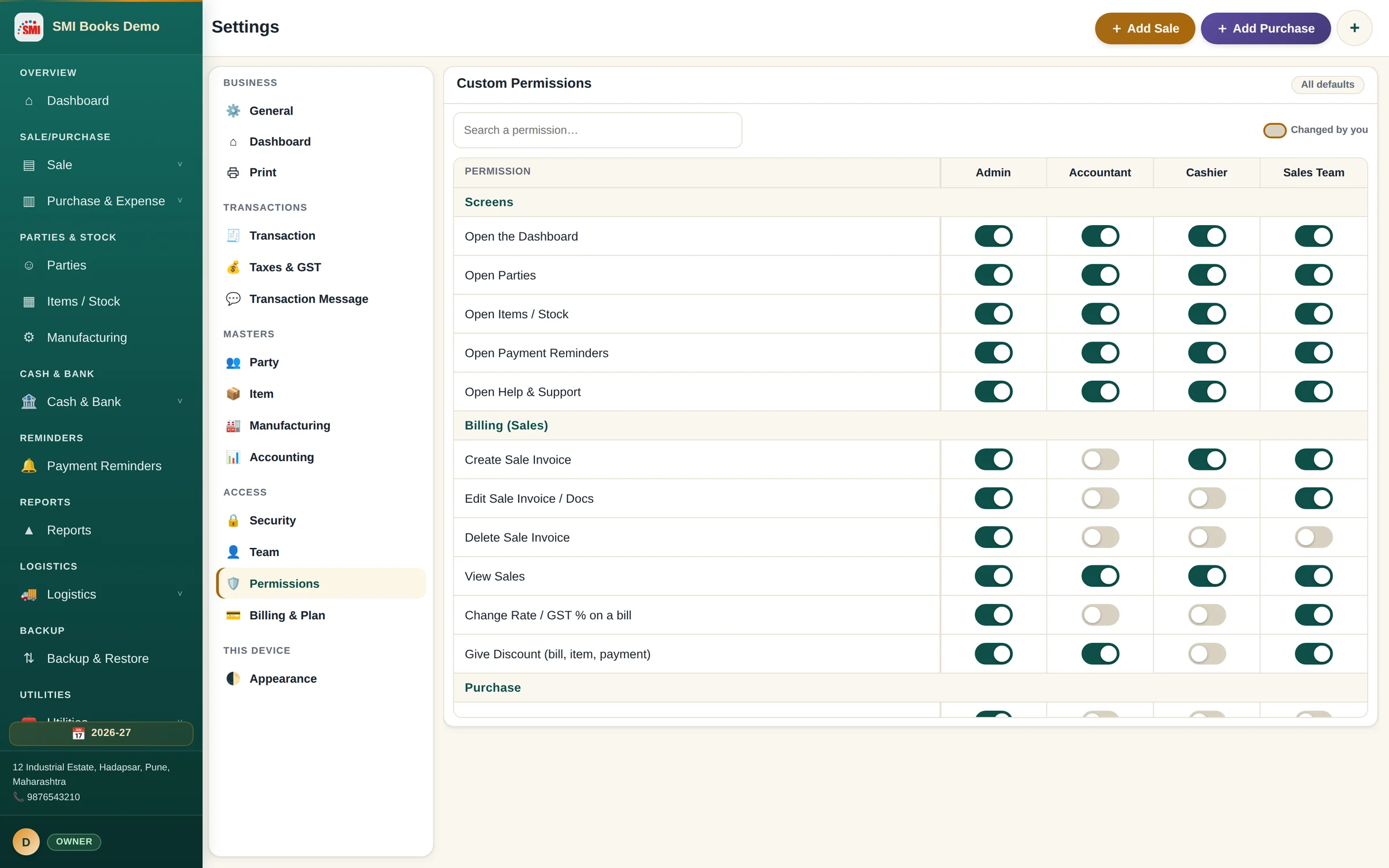
Multi-user billing software lets several people work in the same company book at once, each with their own login and only the rights their job needs. In SMI Books the Owner invites staff, gives each a role and can fine-tune every right; the limits are enforced on every device, not just hidden on screen.
Roles
Five roles that match how a business really works
Start from a role that already fits the job, then adjust it. Every right is a switch, grouped the way you work — Billing, Purchase, Inventory, Production, Parties, Payments, Cash & Bank, Logistics and Accounting.
- Owner — full control that nobody can take away
- Admin, Accountant, Cashier and Sales Team
- Search any permission and see what you have changed
- Reset a role back to its defaults in one click
Control
Stop mistakes before they happen
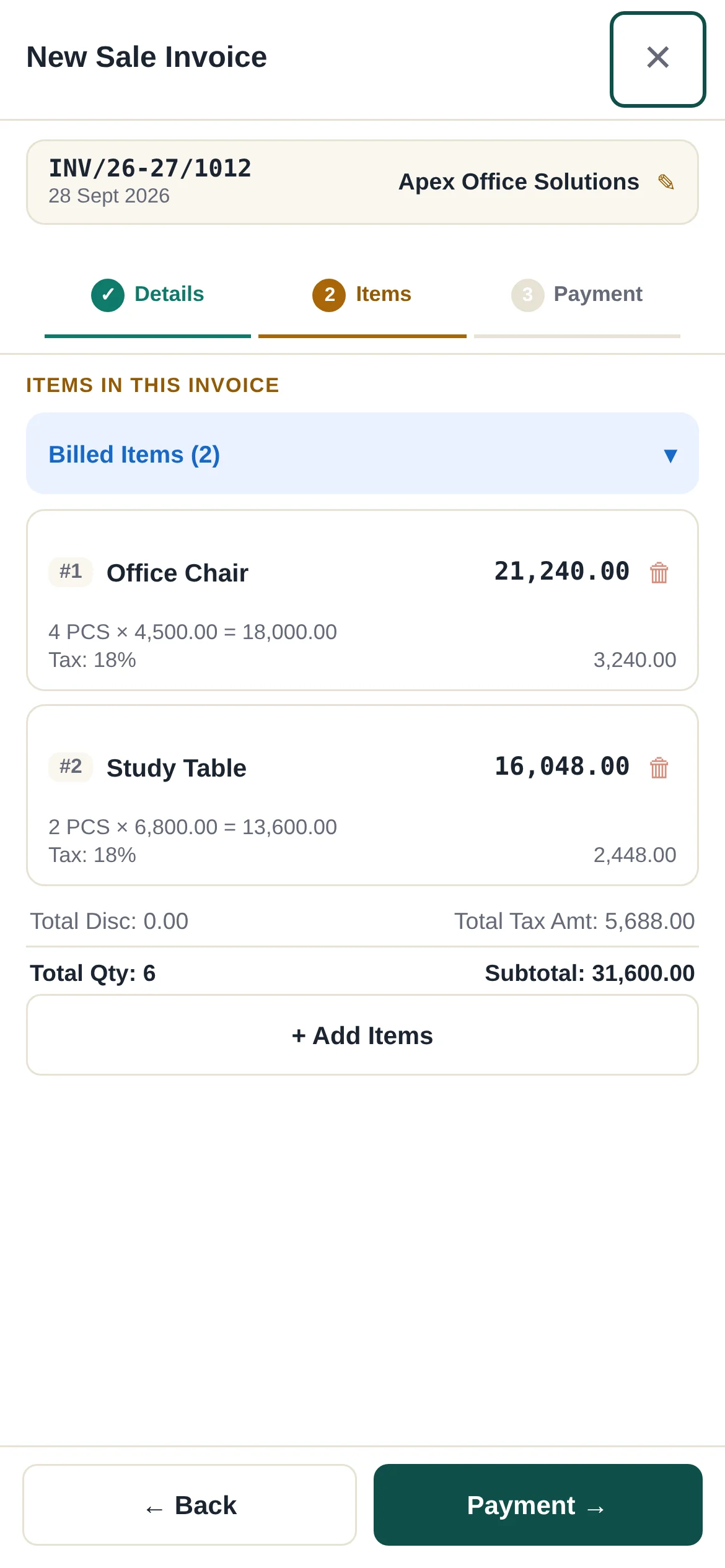
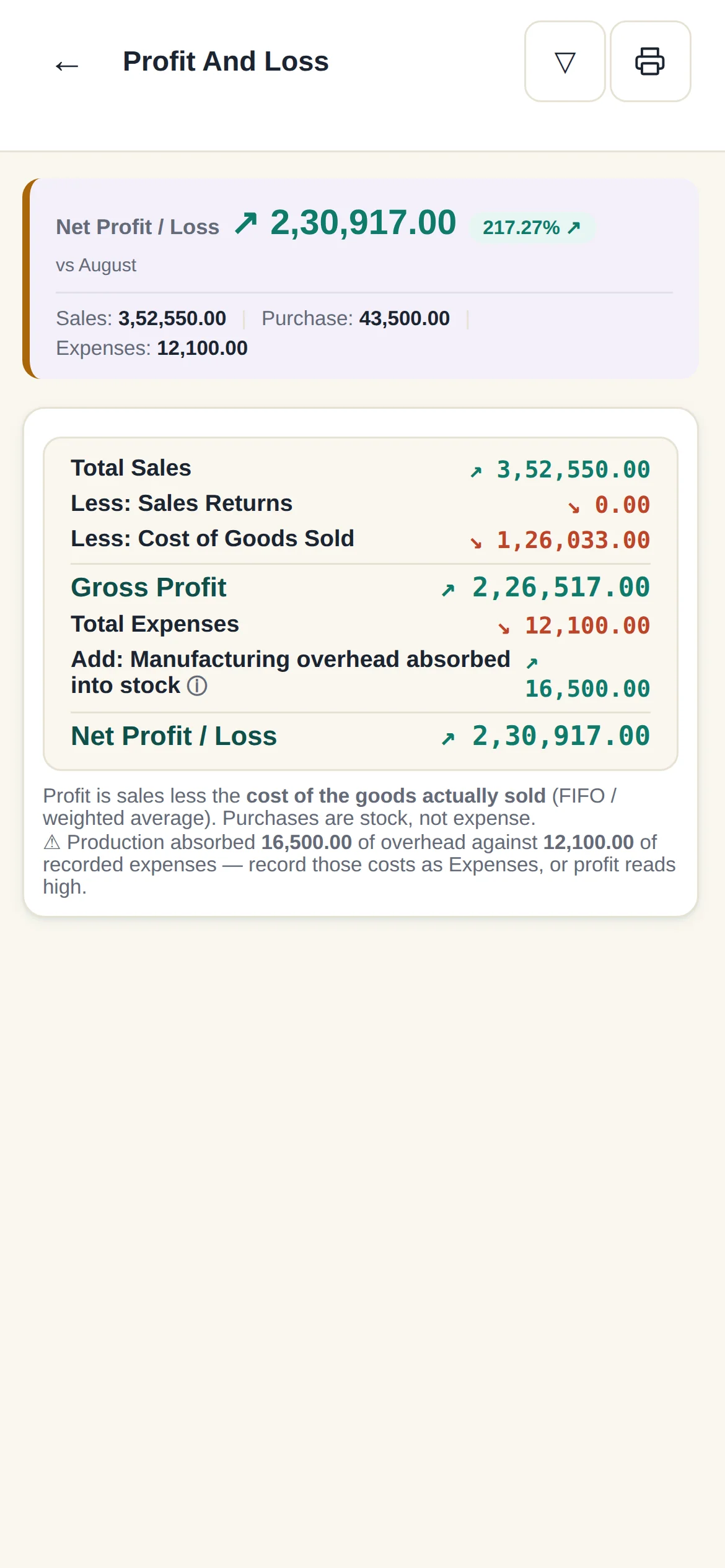
Limits that protect your money without slowing the counter down.
- Maximum discount % per bill, per role
- Hide purchase cost price from staff
- Stop edits or deletes of saved bills
- Lock past months so filed GST never changes
Accountability
Know who did what, on which device
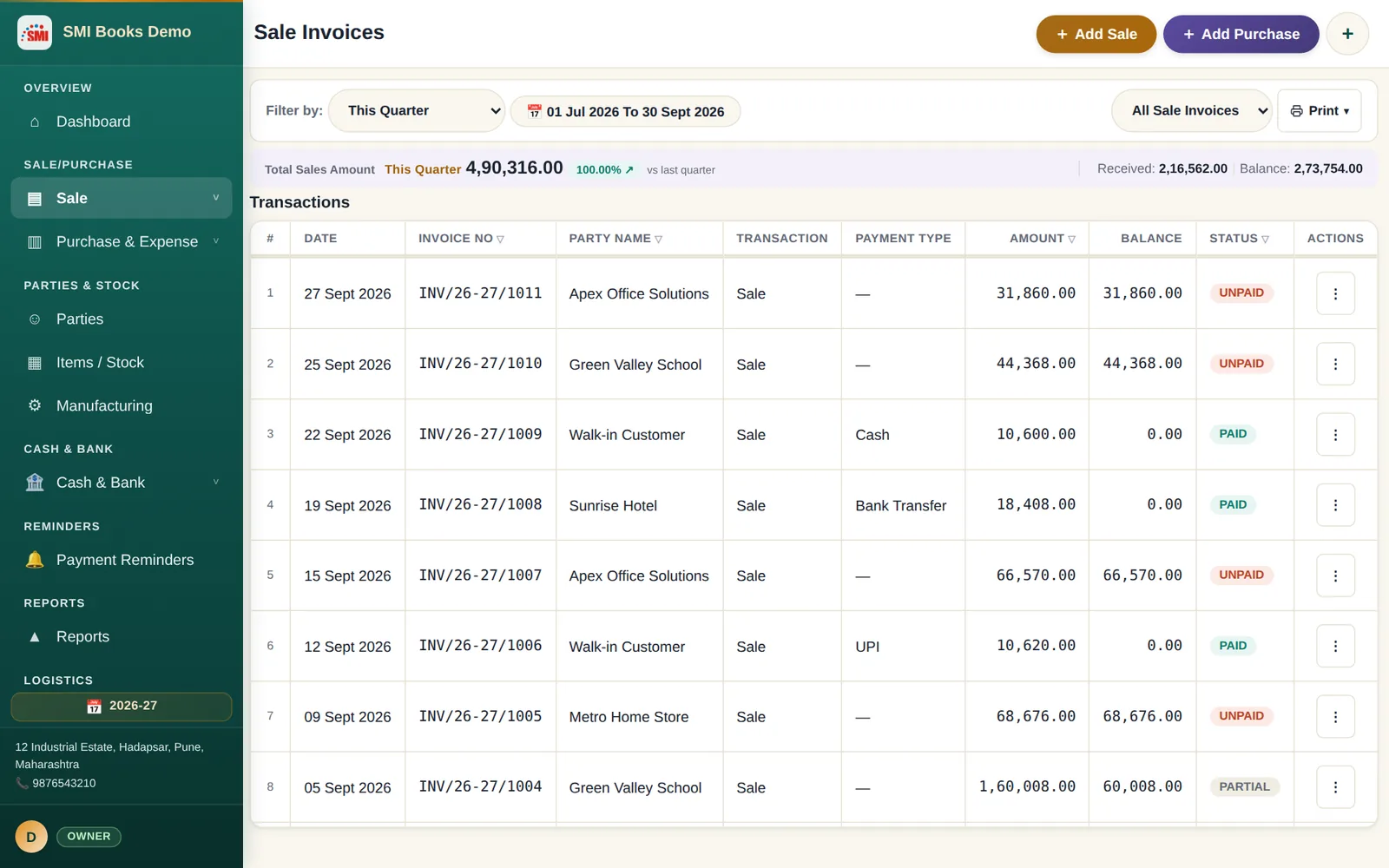
Every person signs in with their own email, so every bill, payment and change has a name on it.
- Activity log of who created, edited or deleted
- Recycle bin to bring back a deleted record
- See which devices each person uses and when
- Remove a person or reset their password any time
Roles
Who does what
What each role can do when you first give it to someone. Change any of it in Settings › Permissions.
Owner
Full control, always
The business owner. Cannot be restricted by anyone, and is the only one who can change what Admin may do.
Admin
Runs the business with you
Everything by default — billing, stock, books, settings, team. You can switch off any right.
Accountant
The books
Ledgers, payments, expenses, bank, GST and reports. No item catalogue, no team settings.
Cashier
The counter
Bills at the item's own rate and takes payment. Cannot edit or delete a saved bill, or see purchase cost.
Sales Team
Customers and sales
Sale invoices, customers and money received — without seeing purchase cost.
Set up in minutes
Adding your team
- InviteSettings › Team: type their email and choose a role.
- Share your Team CodeThey install SMI Books, choose Create Account › Join a Team and paste it.
- Fine-tuneSettings › Permissions: switch rights on or off and set discount limits.
Devices
How many people can work together
Each person uses their own device. Your plan sets how many devices can use the business at the same time.
What you get
Everything in one place
Own login each
Invite by email; they join with your Team Code.
Enforced everywhere
Limits hold on every device, not just on screen.
Discount limits
A cap per role on every bill.
Books lock
Freeze past periods after filing.
Activity log
Who did what, and when.
Every device
Same rights on PC, phone and tablet.
Questions
Frequently asked
Can my staff use SMI Books with limited access?
Yes. Invite each person by email and give them a role — Admin, Accountant, Cashier or Sales Team. In Settings › Permissions you switch every screen and action on or off for each role, set a maximum discount per bill, and hide purchase cost. The Owner always keeps full control, and the limits hold on every device — enforced, not just hidden on screen.
Can I use it on my PC and my phone together?
Yes. Sign in with the same account on every device. How many devices can work together depends on your plan — from 2 on Retail to 11 on Factory.
Is my data safe? Who can see it?
Only you and the team members you invite. Each business is kept private and completely separate — only its own members can open it — and you can back up to your own Google Drive at any time.
Start today
Run your whole business from one book — free for 30 days
Install on your Windows PC and your Android phone, sign in once, and bill, stock, produce and account from anywhere. No card, no UPI, no payment needed.